Flowfield Studio
A browser-based visual studio that turns fluid gradients and motion experiments into configurable backgrounds for real websites. Interface design, creative direction, and front-end development in one working project.
The project
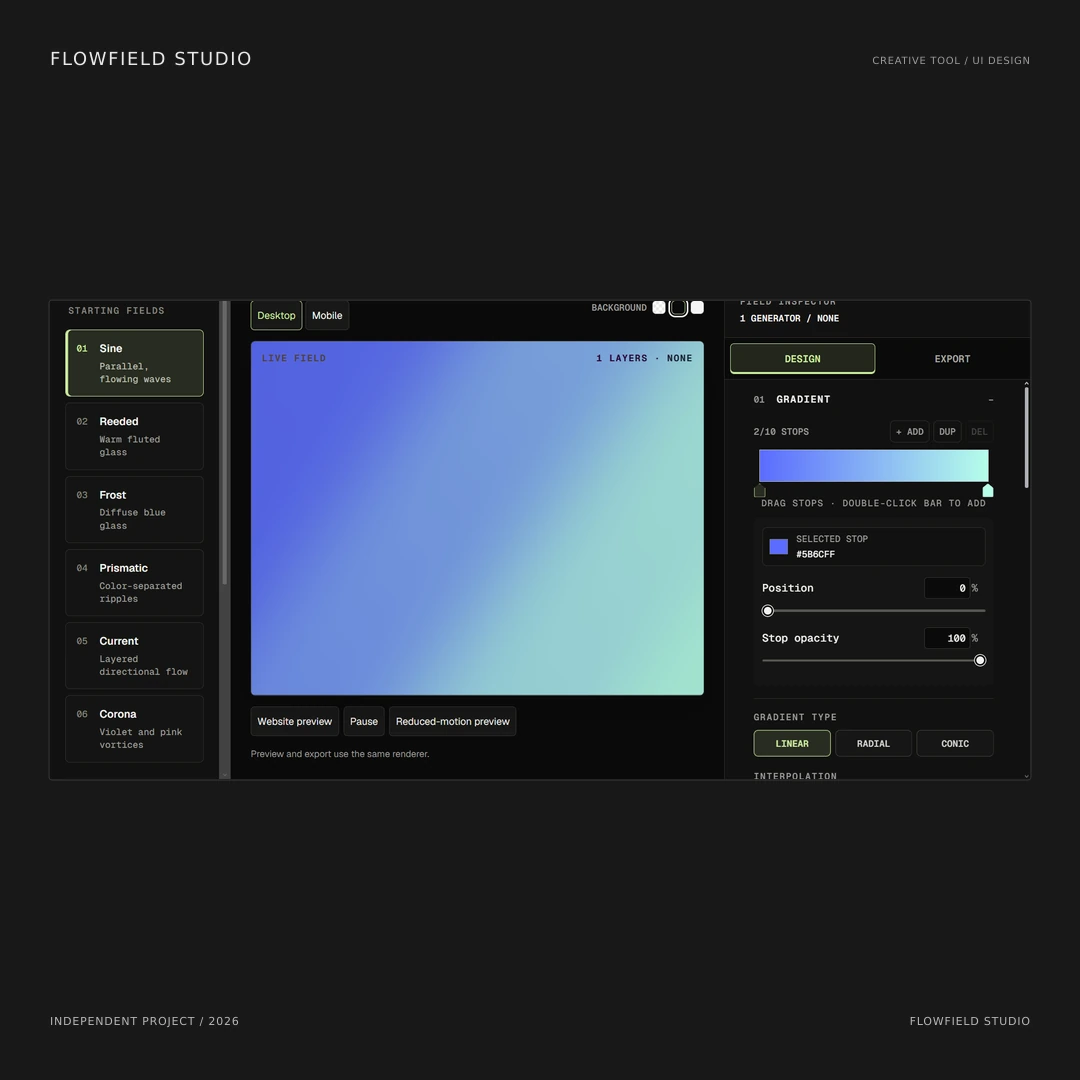
Flowfield Studio is an independent browser-based studio for exploring fluid gradients, layered fields, and animated website backgrounds. It brings the visual result, its controls, and the export workflow into one environment. The work combines a distinct visual identity with an interface that makes a technical creative process easier to follow. The ambition is practical: give a designer room to experiment, then provide a way to carry that direction into a website.
The design problem
A motion effect can look impressive in isolation and still be difficult to use. Its color, scale, speed, interaction, and placement need to work together. Flowfield organizes those choices around a central live preview, with starting fields on the left and the selected settings on the right. That structure gives the user a clear route from an initial direction to a more deliberate result, without asking them to understand the rendering implementation first.
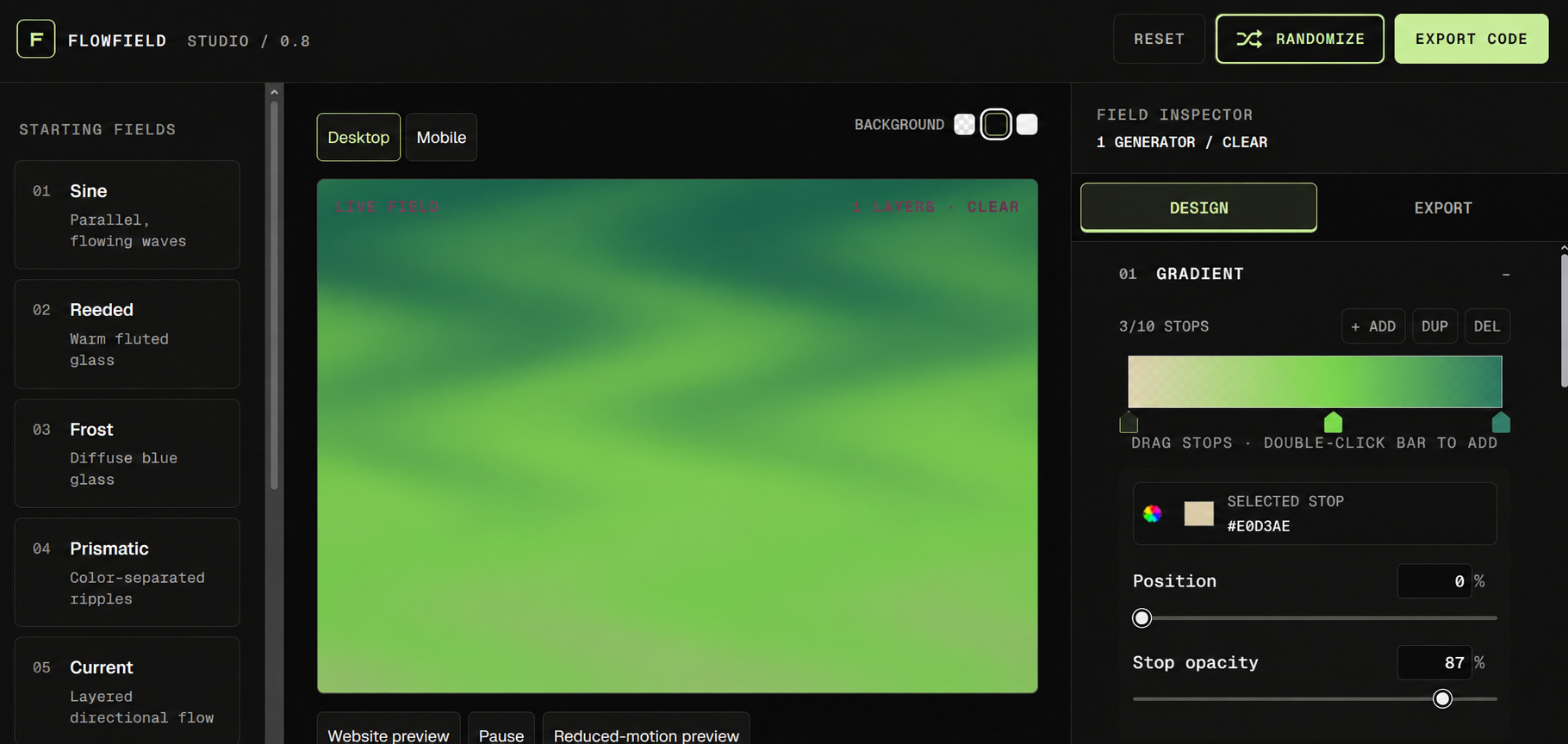
Interface presentation based on the supplied screenshot. The Randomize action is refined with a shuffle icon, balanced padding, and clearer alignment.
Open imageA visual identity that leaves room for the work
The dark, neutral interface makes the color field the main event. Monospaced typography, numbered starting fields, restrained borders, and a lime accent give the controls a precise, technical character. The accent marks important actions and active states, while the artwork can move through a much wider palette. This separation gives the studio a recognizable identity without forcing every output to look like the interface that produced it.
An interface built around visual decisions
Starting fields such as Sine, Reeded, Frost, Prismatic, and Current offer different points of departure. The gradient editor exposes color stops, their position, and their opacity directly. Related controls stay together in the inspector, with Design and Export treated as separate stages. Desktop and mobile preview options help users consider the result at different proportions. The arrangement supports exploration while keeping the current selection and the next useful action visible.
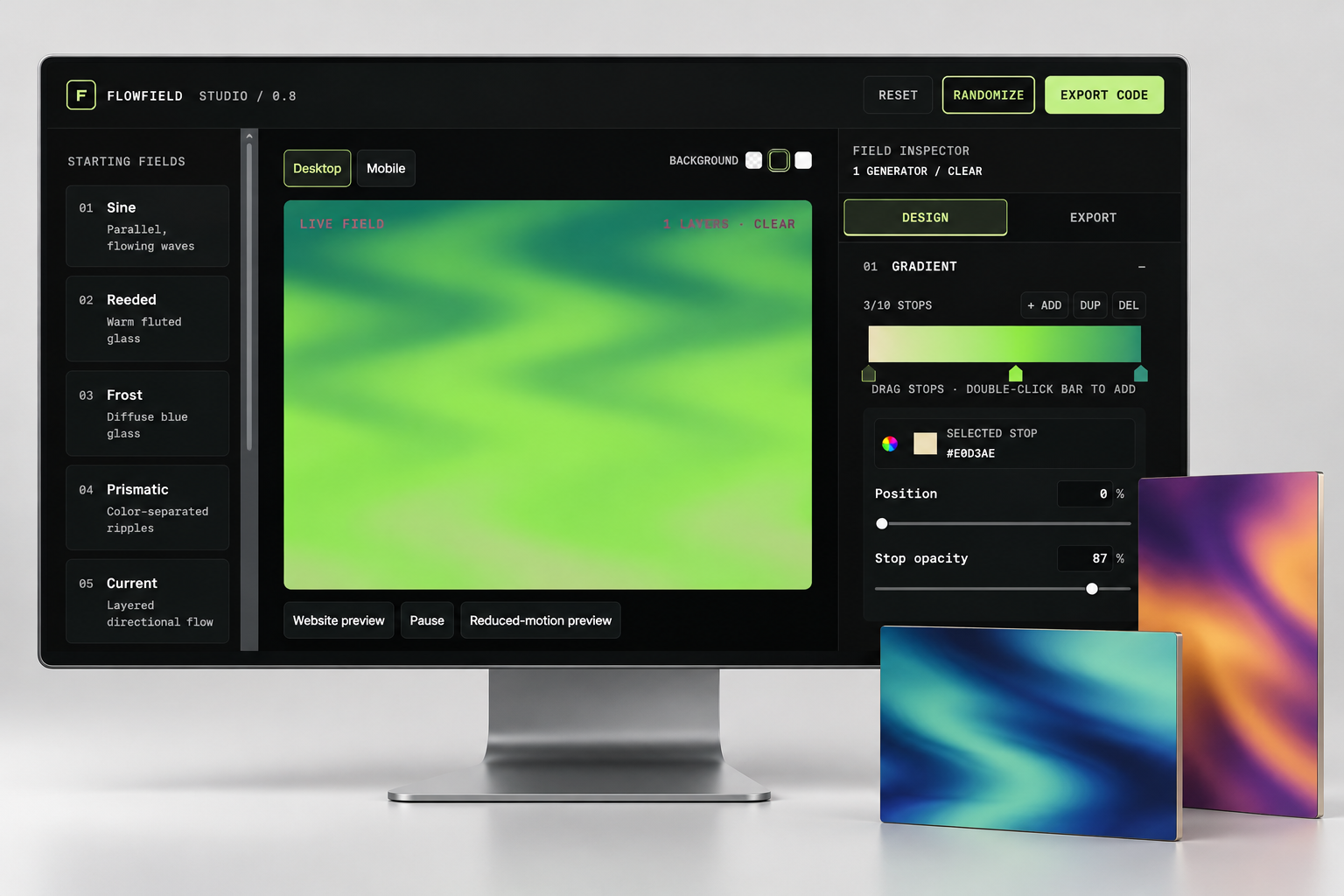
Presentation mockup pairing the working interface with example gradient artwork. The freestanding panels are visual studies, rather than additional interface features.
Open imageMotion with a purpose
The studio supports continuous animation, pointer interaction, scroll-driven movement, and a static state. Those behaviors are different design choices, rather than variations of the same decorative effect. A background can contribute atmosphere, respond to a visitor, or support a scrolling composition. Website preview and reduced-motion preview make it possible to consider the surrounding experience as well as the field itself. The visual treatment is meant to support the content it sits behind.
From the preview to the website
The implementation shares its renderer between the live preview and exported code. Export options cover HTML, Webflow, Framer, React, Next.js, and Astro, with placement and responsive settings handled in the same environment. Quality controls, a frame-rate limit, offscreen and hidden-tab pausing, and a static reduced-motion fallback address practical integration concerns. These decisions make the handoff part of the design work, rather than leaving a visually appealing experiment disconnected from its intended use.
What this work demonstrates
This project shows how I approach a website with more involved visual and interaction requirements: establish a clear hierarchy, make controls understandable, connect the interface to a working front end, and consider how the result behaves beyond the ideal desktop view. The value is in the relationship between those decisions. Creative direction and development reinforce each other, so the visual idea has an implementation path and the technical choices remain understandable to the person using it.
Project context and presentation
Flowfield Studio is a self-initiated project, rather than a commissioned client engagement. The portfolio pairs the existing studio with refined interface imagery and a desktop presentation mockup. The adjusted Randomize button is a presentation refinement to the supplied capture. The live project remains linked below so visitors can explore the actual experience. The case study demonstrates the work and its reasoning without attributing unmeasured business results to it.