Shapieez
A shape-generation and composition studio that combines playful visual exploration with a structured editing workspace. Brand expression, interface design, and front-end development, presented with a new light-mode direction.
The project
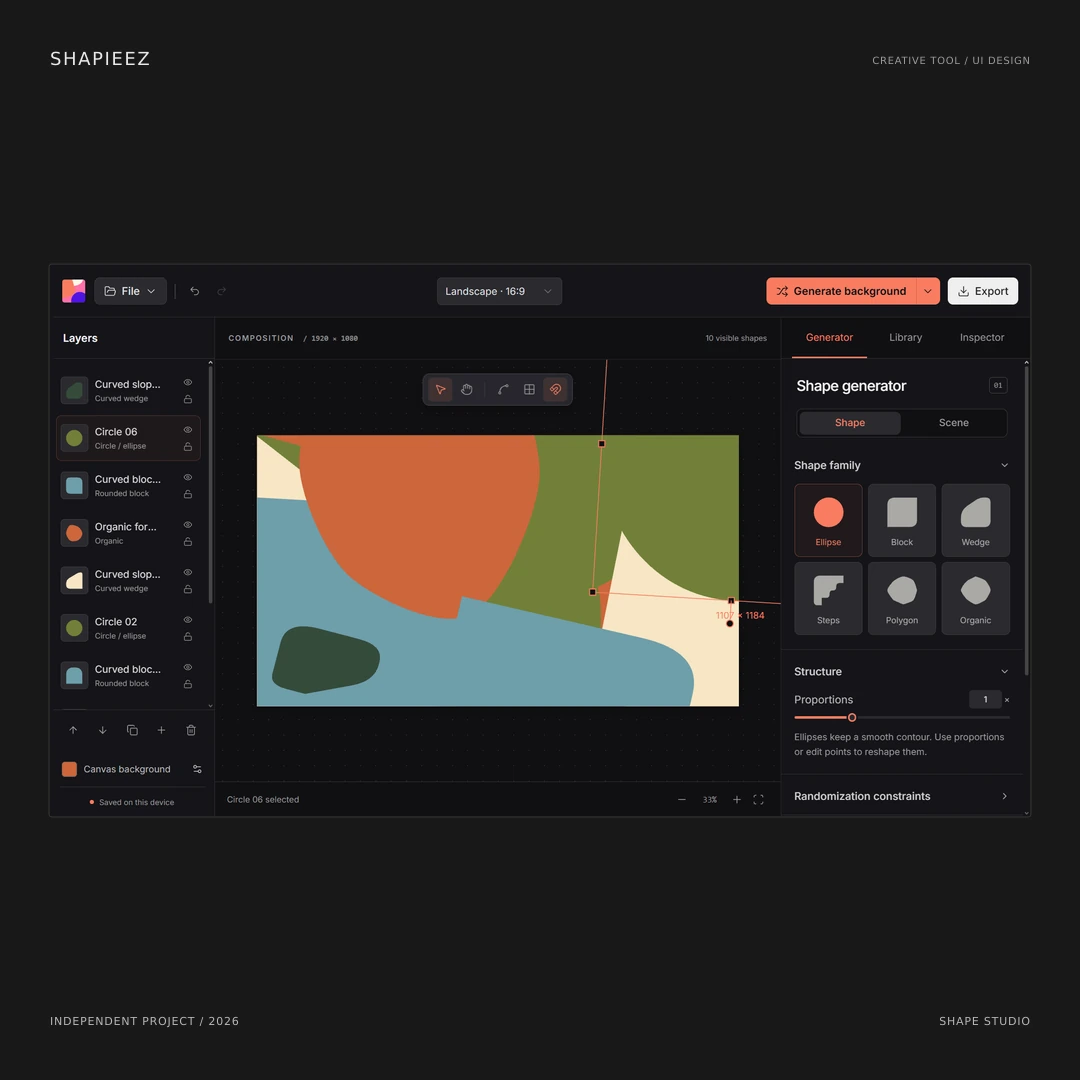
Shapieez, developed as Shape Studio, is an independent browser-based tool for generating shapes and arranging them into compositions. It combines the immediacy of random exploration with the control of an editing workspace. The project brings together a visual identity, canvas-centered interface, shape-generation controls, and export workflow. Its purpose is to help an initial visual experiment become something a designer can arrange, refine, and use beyond the generator.
The design problem
Generating an interesting shape is only one part of making a useful composition. Users also need to understand which object is selected, how it relates to other layers, where its properties live, and how to change the result without losing their place. The interface separates those concerns into a Layers panel, a central canvas, and a right-hand workspace for Generator, Library, and Inspector. The layout makes the creative area prominent while keeping the surrounding controls predictable.
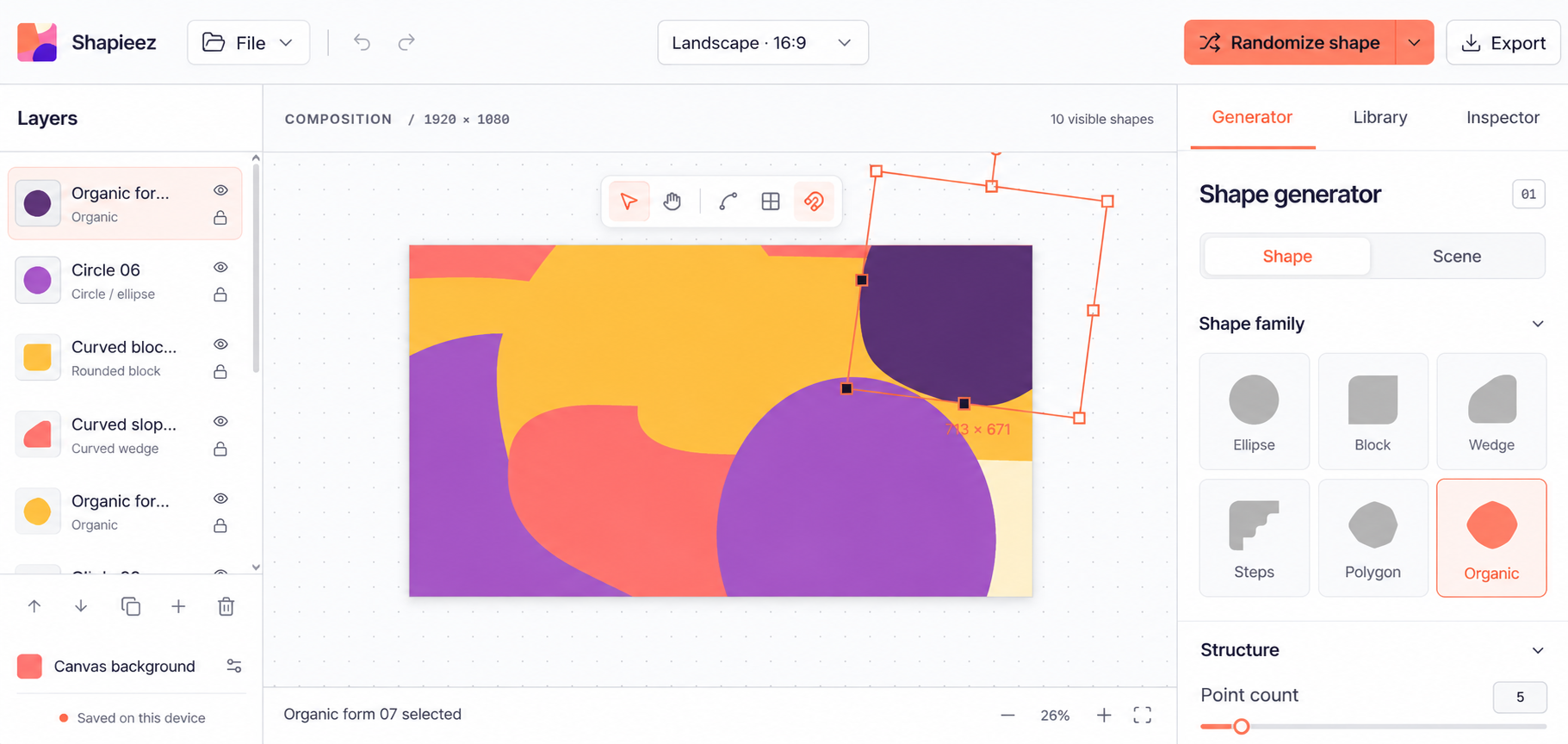
Light-mode interface study. Neutral surfaces, charcoal type, and a coral primary action give the colorful canvas a different setting from the original dark interface.
Open imageA playful identity with a disciplined interface
The colorful mark and coral-orange accent establish a more expressive personality than a conventional utility interface. Inside the editor, the visual hierarchy stays restrained. Active states, selection outlines, and the Randomize shape action use the accent consistently; the artwork supplies most of the color. The result is a workspace that can accommodate lively compositions without making every panel compete for attention. Brand expression and usability have different jobs, and the design gives each room to do them.
Exploration with a clear route to control
The generator starts with recognizable shape families such as Ellipse, Block, Wedge, Steps, Polygon, and Organic. Shape and Scene are presented as distinct choices, while structure controls such as point count make the current direction more adjustable. Randomization gives the user another starting point, not a finished answer. Layer selection, visibility, locking, and the canvas controls support the more deliberate work of organizing a composition. These interactions make experimentation easier to understand and refine.
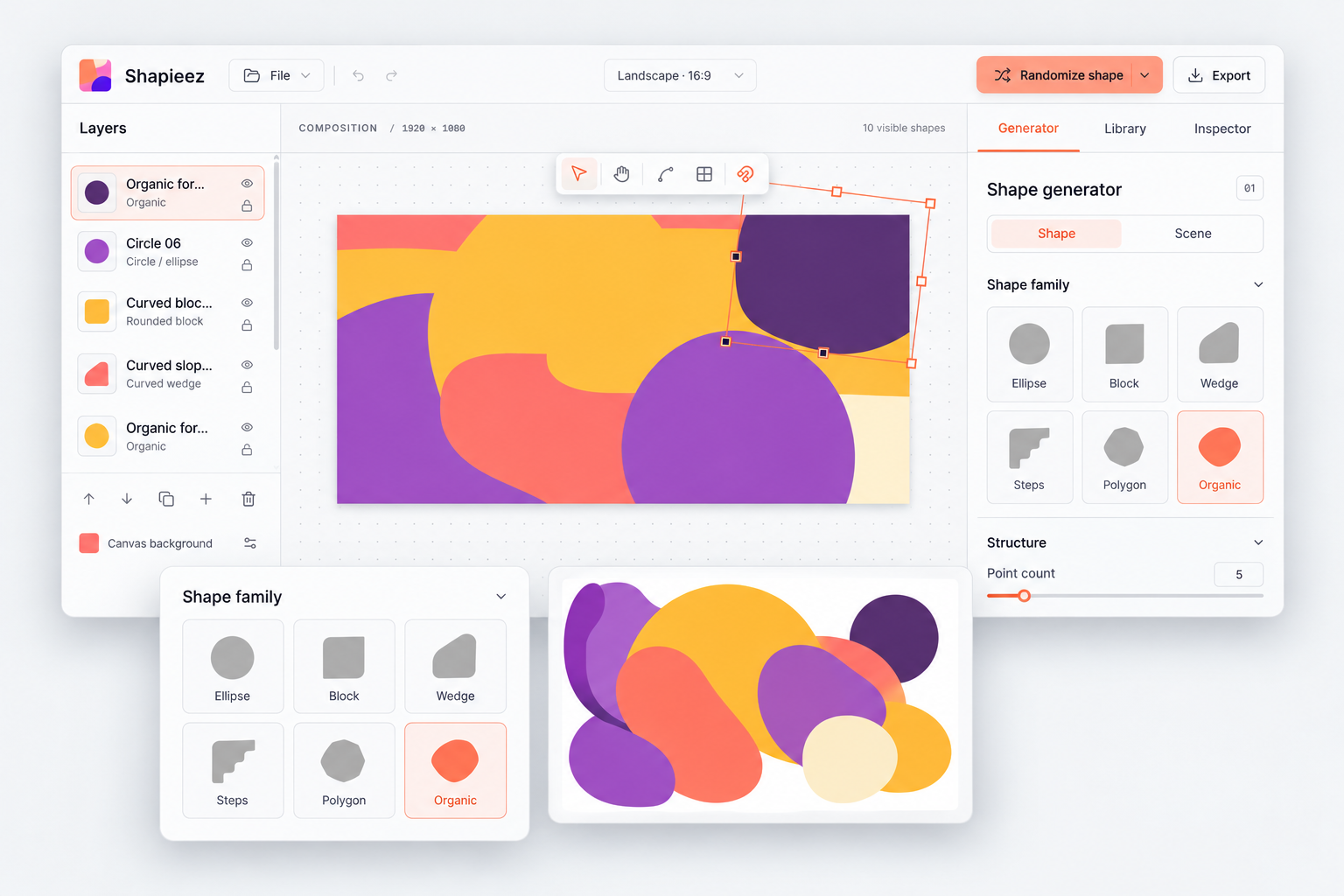
Presentation mockup bringing the editor, shape-family controls, and an illustrative artwork composition into one visual story.
Open imageThe composition stays at the center
The canvas is the main working surface. Aspect-ratio selection, visible composition dimensions, selection bounds, and zoom controls provide context around it. The Layers panel makes the objects easier to locate, while the Inspector provides a separate place for their properties. Keeping those functions in consistent positions reduces the need to search across the interface. The exported asset is the destination, but the experience between the first generated shape and that asset deserves the same attention.
A light-mode presentation direction
The original workspace uses dark surfaces. For this portfolio, a light-mode study explores neutral white and gray panels, charcoal typography, fine borders, and the same coral action color. The artwork keeps its vivid yellow, purple, orange, and coral palette. The Randomize action is treated as a balanced split button, with clear spacing around its icon, label, and dropdown. This direction demonstrates how the interface can retain its identity while changing its surface treatment. It is a design study, rather than a claim that the live tool already includes this theme.
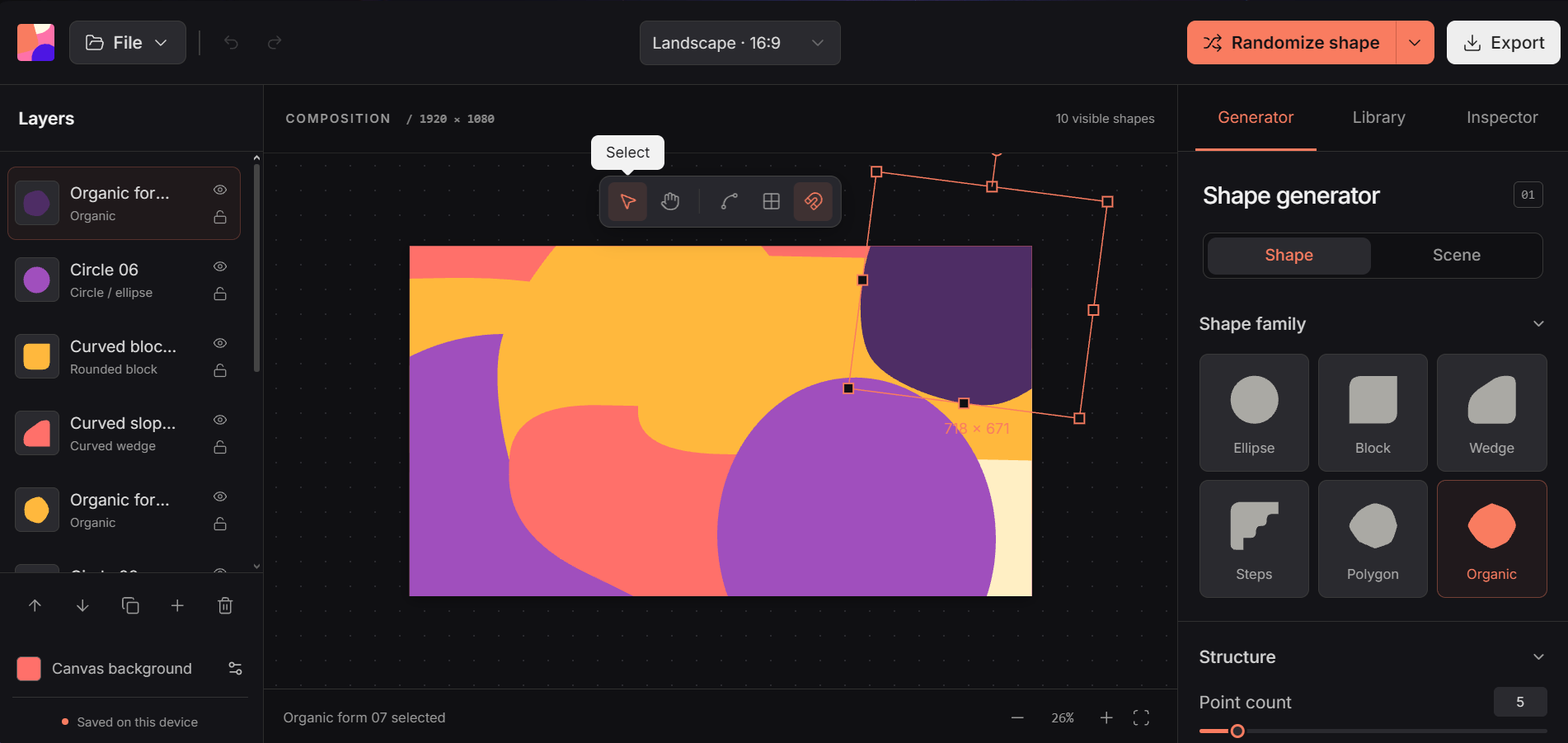
Supplied capture of the original Shape Studio workspace. The light-mode images explore a presentation direction; they do not imply that a light theme has already been shipped in the live tool.
Open imageWhat this work demonstrates
Shapieez shows the relationship between a recognizable visual identity and an interface with many working parts. The design organizes the choices, the interaction model provides feedback about the current state, and the front end turns the composition into something users can manipulate. That same attention applies to website work: clear navigation, purposeful controls, consistent states, and a visual language that holds together as content and features become more involved. The project makes those skills visible through a working creative environment.
Project context and presentation
This is a self-initiated project, presented under the Shapieez name with a link to the existing Shape Studio tool. The gallery includes the supplied dark-interface capture, a light-mode interface study, and a layered presentation mockup with an illustrative artwork study. The case study describes design and implementation decisions rather than commissioned-client outcomes. The original capture and live link keep the project grounded in the actual work while the presentation explores its visual possibilities.